Cross-Border Payments
Sent USDT on the Wrong Network? First Check Who Controls That Address
A wrong-network USDT transfer is often not lost. Whether you can get it back depends on who holds the key to the receiving address: you, an exchange, or nobody.
A client in Singapore pays your invoice in USDT, but sends it on BNB Smart Chain while your invoice said Ethereum. Or you withdraw from an exchange and pick the wrong network in the drop-down. The first question is not "is it lost?" but "who controls the address the coins landed on?" That one answer decides whether you can fix it yourself, whether you have to ask a company, or whether there is realistically nothing to do. This guide is for freelancers and small businesses in Cambodia sorting out a wrong-network stablecoin payment.
If you are not yet sure the payment exists at all, first read the client's TxID on the block explorer. The explorer page shows which chain the transfer is actually on, and that is the starting fact for everything below.
Why a wrong-network transfer is often not lost
Ethereum, BNB Smart Chain, Polygon, Arbitrum and other Ethereum-style (EVM) networks all use the same address format: 0x followed by 40 characters. The same private key controls that address on every one of them. So when USDT is sent to your 0x… address on the "wrong" EVM network, the coins usually did arrive at your address — just on a chain your wallet or account is not looking at.
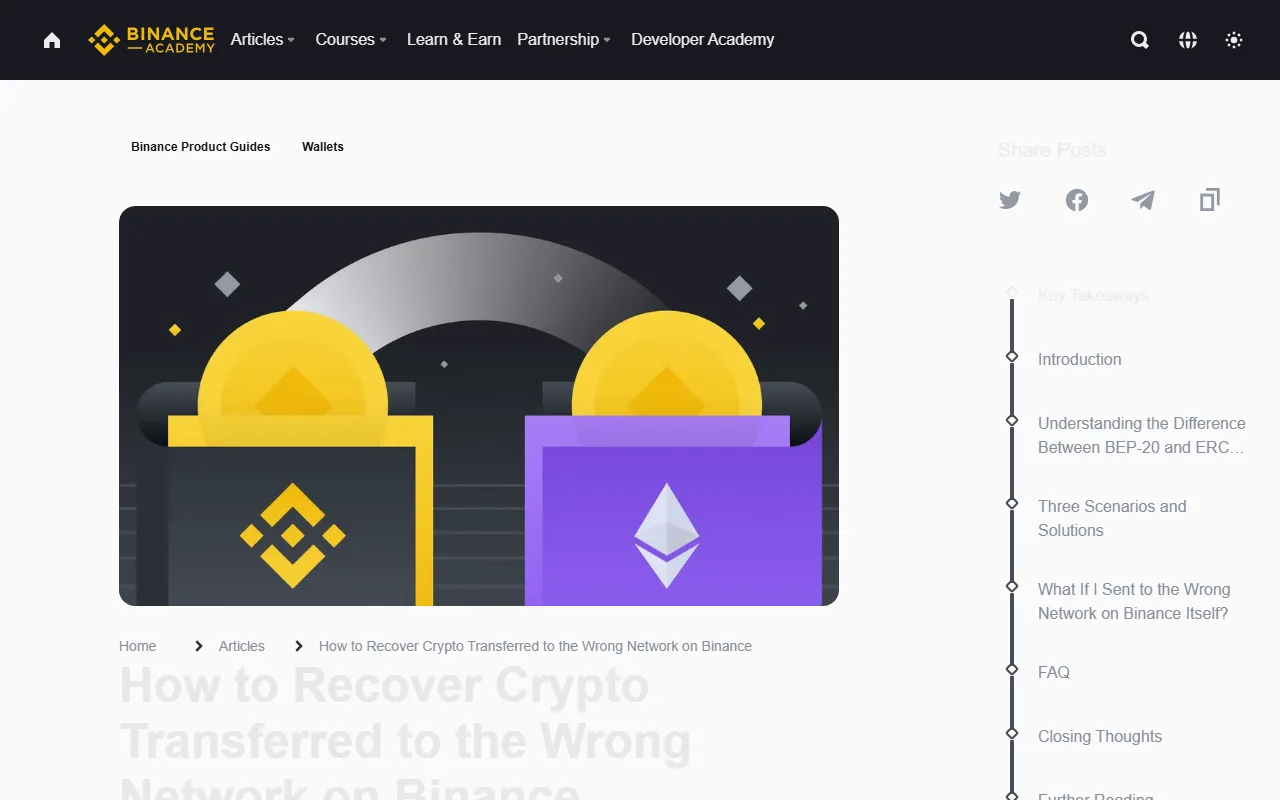
Binance Academy describes exactly this case for BEP-20 and ERC-20: because both networks use the same wallet address format, the tokens sit at the right address on the other chain and become visible once the wallet is set up for that chain (article updated 12 June 2026).
TRON is different. TRON addresses start with T and do not share a format with 0x addresses. Most wallets and exchanges refuse to send a TRC-20 transfer to a 0x address (or the reverse) because the address fails validation, so a true TRON-to-EVM mix-up is rare. If one did go through, treat it as the hardest case below.
Step 1: find out who controls the receiving address
Look at the receiving address on the TxID page and answer honestly:
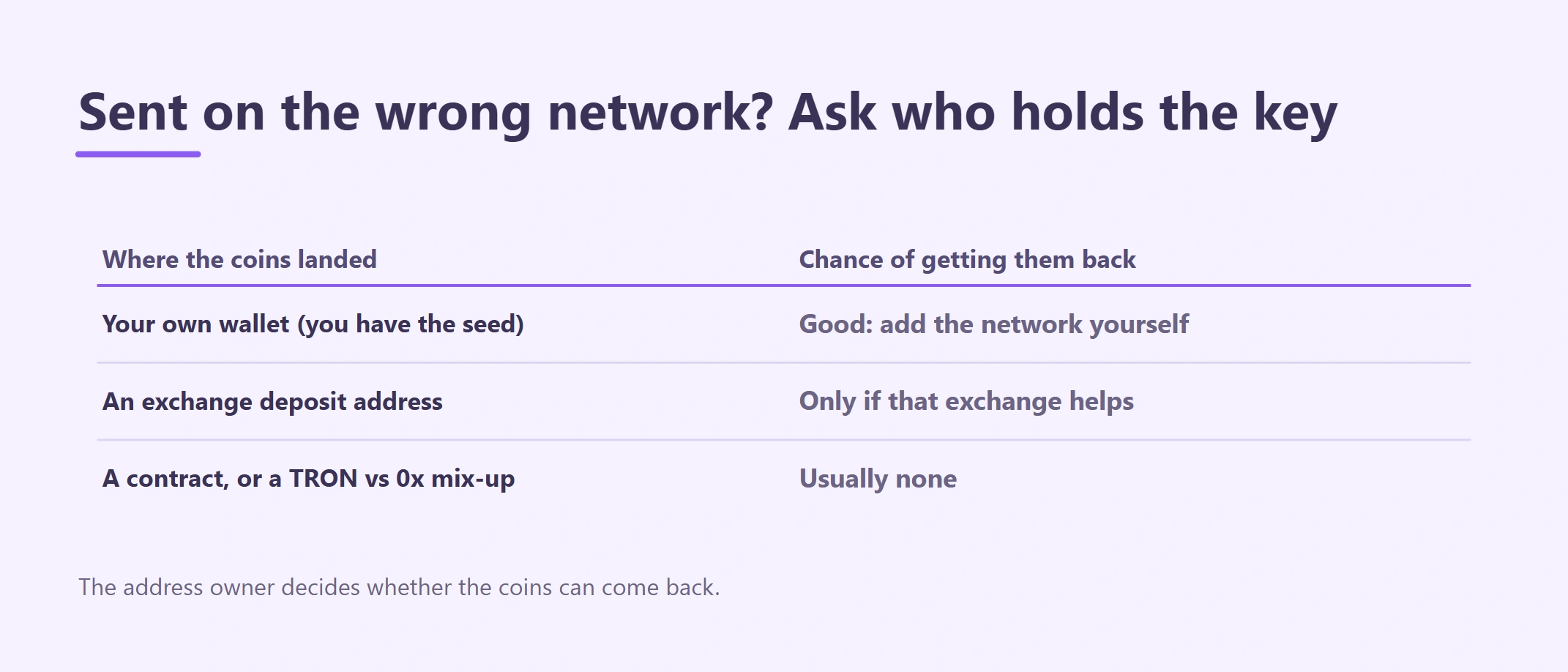
| Where the coins landed | Who holds the key | Realistic chance |
|---|---|---|
| A self-custody wallet where you (or the sender) have the seed phrase or private key | You | Good, if it is an EVM-to-EVM mix-up |
| A deposit address at an exchange or payment app | The platform | Depends entirely on that platform |
A token contract address, a burn address, or a mismatched TRON/0x address |
Nobody you can reach | Usually none |
If the address belongs to someone else (a third party you did not mean to pay), only that person can send the coins back. You can ask; you cannot force it.
Case A: it landed in your own wallet
This is the good case. The coins are at your address on another EVM chain.
- In your wallet (MetaMask, Trust Wallet and similar), switch to or add the network the TxID shows. Binance Academy's walkthrough adds BNB Smart Chain manually with Chain ID 56; use the network's official details, not ones from a chat message.
- If the USDT does not show up, add the token by its contract address on that network. Copy the contract from the token's official page or the explorer's verified token page.
- You now need that chain's own fee coin to move anything: BNB on BNB Smart Chain, ETH on Ethereum, POL on Polygon. If you have none, see why USDT will not send without the native fee coin.
- Either keep the USDT on that chain, or send it to an exchange deposit address on that same network and convert or withdraw from there. Do not "fix" it with a second wrong-network transfer.
If the wallet that received it can only show one network and you hold the seed phrase, you can import the same seed into a multi-network wallet and follow the same steps. Never type the seed into a website or give it to anyone who offers to do this for you.
Case B: it landed at an exchange deposit address
Here the platform holds the key, so only the platform can move the coins. Policies differ a lot:
- Binance says plainly that if you deposit to your Binance account using an incorrect network, Binance is not able to retrieve those tokens (same Binance Academy article). Do not expect a recovery form there.
- Other exchanges and payment apps may accept a recovery request, sometimes with a fee and a long wait, sometimes not at all. Read that platform's own help page on wrong-network or unsupported deposits before contacting support, so you know what they actually offer.
When you contact support, send only what identifies the transfer: the TxID, the network it was sent on, the token, the amount, the deposit address and the time. Never send a password, 2FA code or seed phrase. Our Binance deposit and withdrawal checklist lists what to gather.
Case C: contract address, burn address or a different address format
If USDT was sent to the token's own contract address, a burn address, or an address that does not exist on that chain, there is normally no private key anyone can use to move it. Record it as a loss and fix the step that allowed it.
Be careful at this point: people who lose money this way are targeted by "recovery services" that ask for an upfront fee, remote access or your seed phrase. A real fix only ever comes from whoever holds the address key. See crypto scam red flags.
When your client sent it on the wrong network
Settle it on the invoice. If the coins reached your own wallet (Case A), the payment did arrive; you may spend some fee coin moving it, and you can decide whether to absorb that or note it on the next invoice. If they reached your exchange address and the exchange cannot recover them (Case B), you have not received the money and the payment is not complete. Tell the client calmly, share the TxID and the platform's answer, and agree in writing who bears the loss before work continues.
Stop it happening again
- Put the network name next to the address on every invoice, for example "USDT – Ethereum (ERC-20) only". Choosing one network per payment explains how to pick it.
- For a new client or a new route, ask for a small test transfer first and check it on the explorer.
- On your own withdrawals, read the network on the confirmation screen, not just the address.
Educational information only. Wallet features and exchange recovery policies change; check the platform's current help page before acting.